Choose a photo
Open a JPG, PNG or WebP. Width and height start at the original pixel dimensions.
Set exact pixels or scale by percentage. Lock the ratio to keep your photo natural.
Drop a photo here, or choose one below.
JPG, PNG, WebP · Up to 20 MB / 24 MPYour images stay in your browser.
An image resizer changes the number of pixels in a picture. Use it when a website needs a narrower image, an avatar needs smaller dimensions, or a photo is too large for your layout. Changing pixel dimensions is different from setting a file-size limit in KB.
Open a JPG, PNG or WebP. Width and height start at the original pixel dimensions.
Keep the aspect ratio locked and change one side. For a 1536 × 1024 photo, setting width to 600 gives a 600 × 400 result. Unlocking the ratio can stretch faces and objects.
Download PNG, JPG or WebP. Choose “Use result” if you want to add text, split the smaller photo or compress it next.
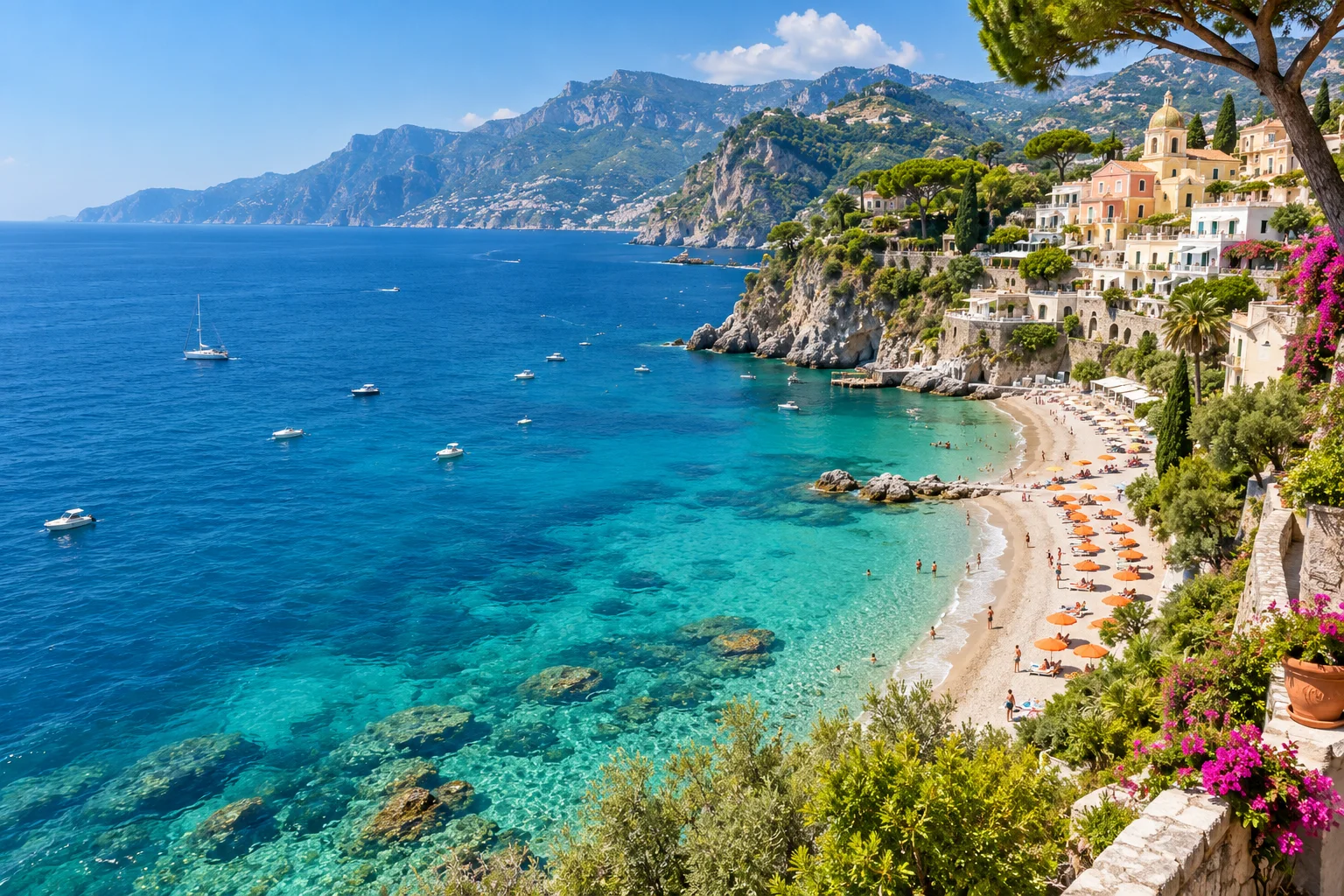 Original
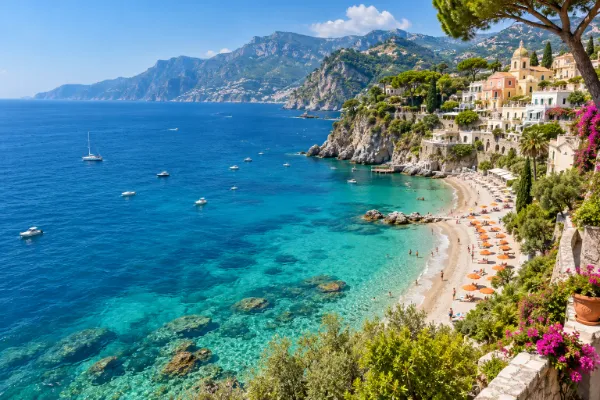 Resize example
For a website image, reduce the width while keeping its proportions. For a square avatar, crop to a square first, then resize. Enlarging a small photo adds pixels by interpolation; it does not recover missing detail or perform AI enhancement.
Fewer pixels often produce a smaller file, but pixel dimensions do not guarantee a specific KB size. The output format and encoding quality matter too. Use the compressor if file size is your main constraint.
Yes. Leave the aspect ratio locked and change one dimension. All of the original composition remains visible.
The aspect-ratio lock calculates the other side so your picture keeps its shape. Unlock it only when you intentionally want independent dimensions.